01 — THE MOMENT
?
A child needs help.
Someone wants to help
The child might be separated from their group or unsure what to do next.
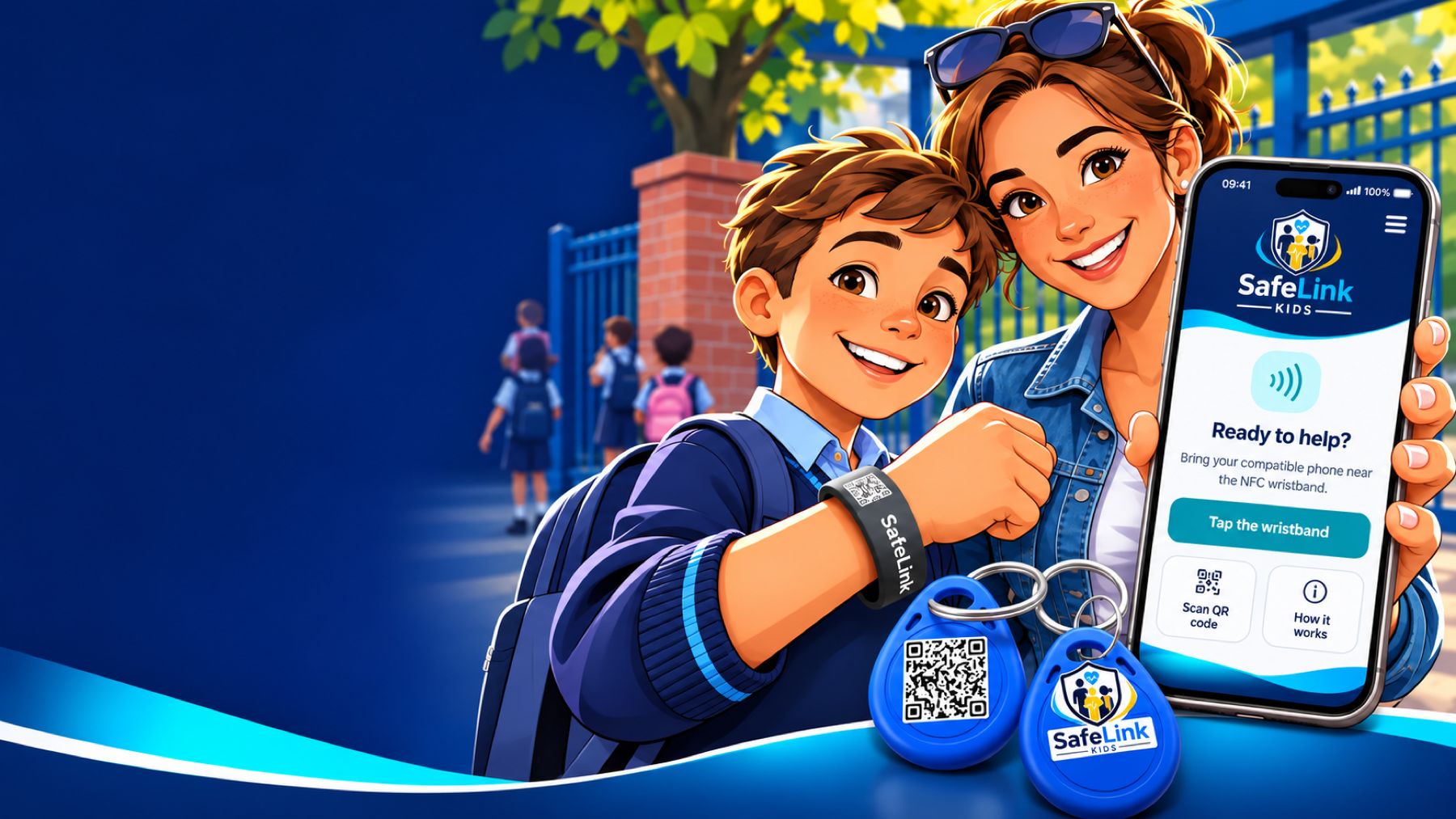
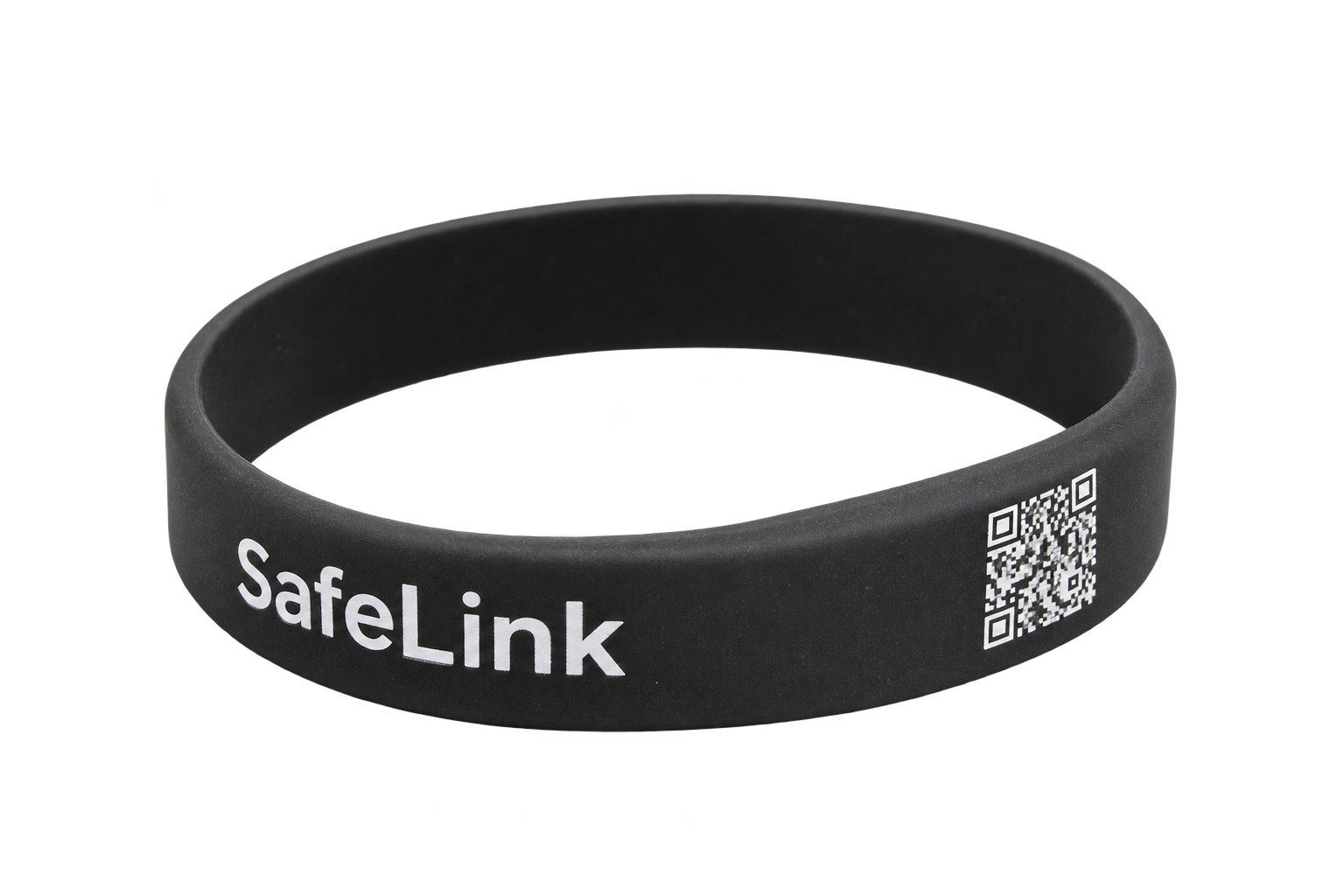
A SafeLink wristband helps someone nearby contact you through a protected connection. No phone number printed on the band. No special app for the person helping.
Children may not know a number, may not have a phone, or may struggle to explain under stress. SafeLink gives a helpful adult a clear first step.
The child might be separated from their group or unsure what to do next.
Teach the child to say: “Please scan my SafeLink.”
The Finder follows the browser prompts and can begin a protected interaction with the Guardian.
This interactive walkthrough shows the basic SafeLink process on an ordinary smartphone. It is a simulation, not a connection to a real child or Guardian.
Real NFC requires a compatible phone. QR scanning is the alternative. The Finder needs an internet connection. The Guardian must be able to receive and respond to the connection.
Bring your phone near the wristband to tap NFC.
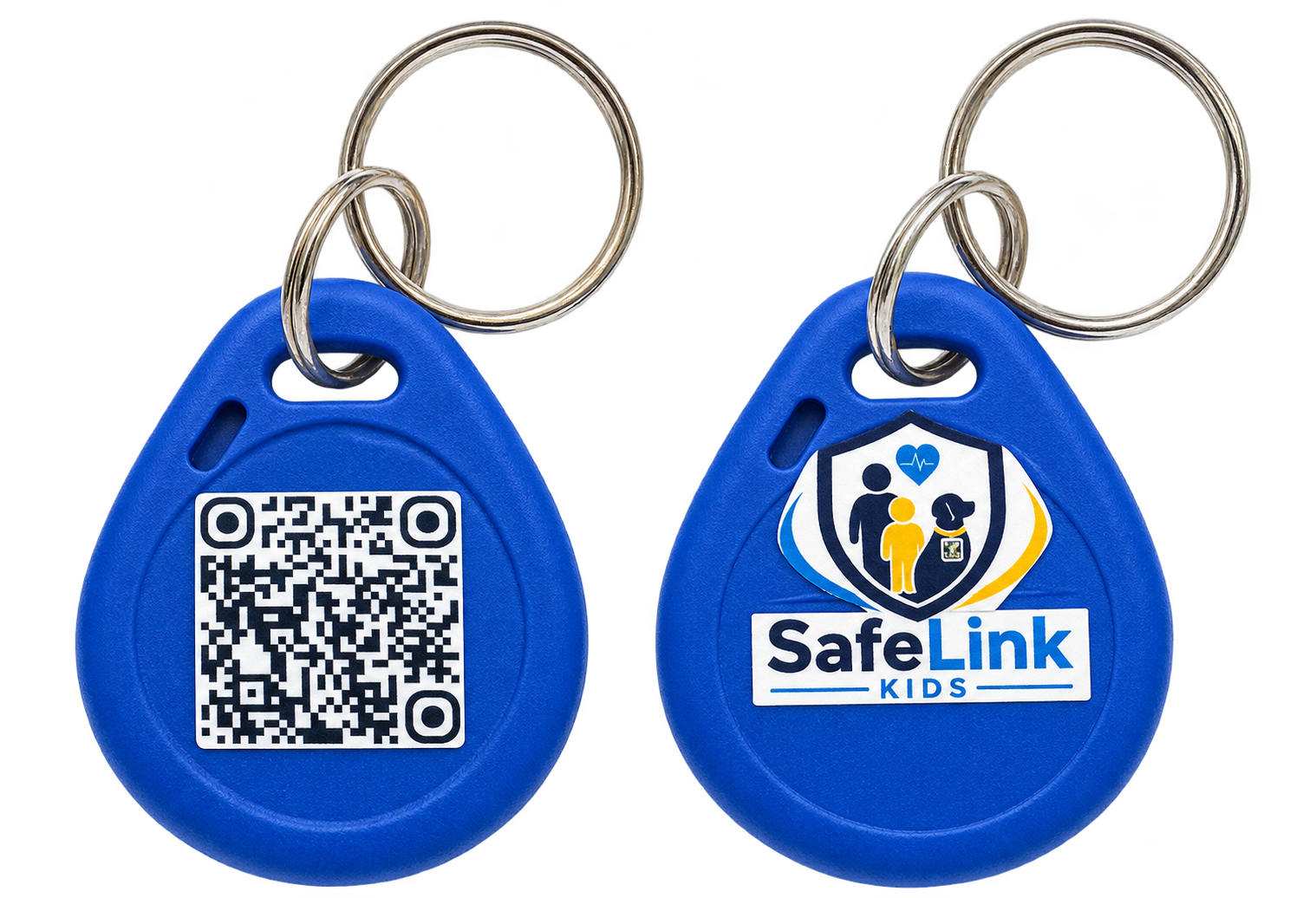
A SafeLink wristband or blue pet and bag tag gives someone helping a protected way to reach the right Guardian. No public family phone number on the product. No charging and no continuous GPS tracking.
NFC and QR identifier. Register it to your verified Guardian account.
Or R240/year. Covers one active SafeLink; human incident support where the applicable service allows.
Understand AssistanceOr R1,140/year. Covers up to six active SafeLinks, with physical products purchased separately.
Understand AssistanceSafeLink supports identification and protected communication; it cannot guarantee location, recovery or reunification. It is not a police, armed-response or emergency medical service.
✓ No ongoing GPS tracking from a passive wristband.
✓ No guarantee that a Finder will scan, or that a Guardian will respond.
✓ Additional Assistance is optional, with defined service limits.
✓ Personal data is handled under the published SafeLink privacy framework.
We have built SafeLink to reduce confusion, not create more of it.
View all FAQsThe child can say “Please scan my SafeLink.” The Finder taps NFC with a compatible smartphone or scans the QR code, then follows the prompts on the SafeLink webpage.
No dedicated SafeLink Finder app or SafeLink Guardian account is needed. The Finder needs a compatible smartphone, internet access and a browser.
No. A passive wristband cannot continuously track a child. SafeLink is designed to help a Finder initiate protected communication after a tap or scan; emergency services remain separate.
The physical wristband is bought once-off and SafeLink Connect is included. Optional SafeLink Assistance plans add human incident support where applicable.
When it arrives, the adult Guardian registers or signs into a verified account and activates the issued identifier. Your account then manages the SafeLink device.
SafeLink connects your loved ones to help when you can't.
Already have a band? Activate it here.